


Enroll
Learn without limits - start, switch, or advance your career!
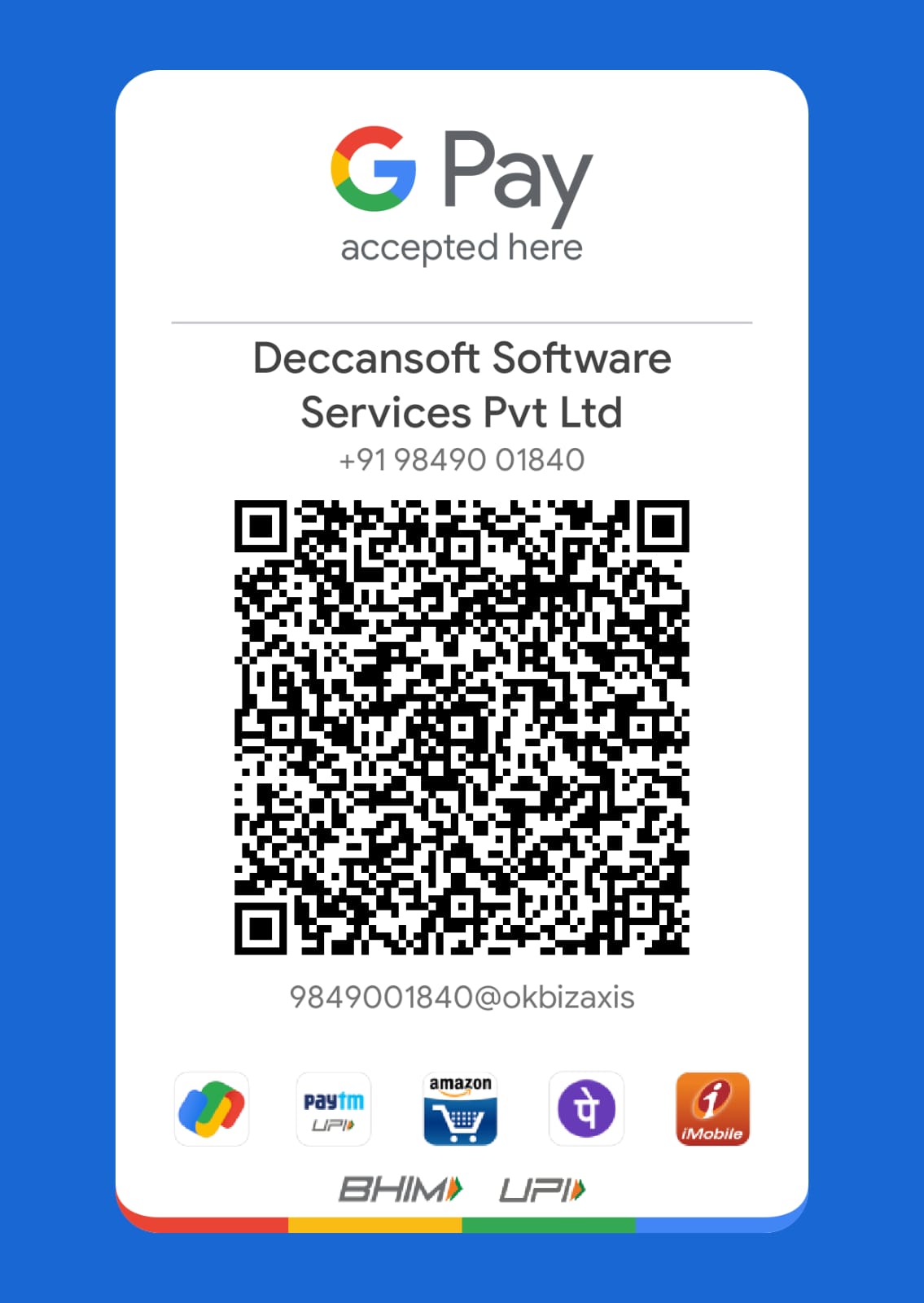
UPI ID - deccansoft@hdfcbank
Note:Once the payment is completed,Please share screenshot to Mrs.Kashmira shah +91 8008327000
Learn to build apps, automate workflows, and analyze data. Start your journey in Power Platform today!


Introduction to Dataverse Database
Watch Now
19 Mins
: 0
Data Modelling
Watch Now
48 Mins
: 0
Creating Tables and Columns
Watch Now
52 Mins
: 0
Table Relationship
Watch Now
16 Mins
: 0
Import or Export of Data
Watch Now
16 Mins
: 0
Auding Table Data
Watch Now
10 Mins
: 0
Duplicate Detection
Watch Now
8 Mins
: 0
Introduction to Model Drive Apps
Watch Now
11 Mins
: 0
App and Sitemap Desigher
Watch Now
15 Mins
: 0
Working with Views
Watch Now
14 Mins
: 0
Types of Views
Watch Now
19 Mins
: 0
Working with Forms
Watch Now
28 Mins
: 0
Working with Charts
Watch Now
17 Mins
: 0
Dashboards
Watch Now
25 Mins
: 0
Introduction to Canvas App
Watch Now
15 Mins
: 0
Creating an App From Data
Watch Now
20 Mins
: 0
Working with Global and Context Variables
Watch Now
40 Mins
: 0
Tables and Records
Watch Now
12 Mins
: 0
Collections
Watch Now
29 Mins
: 0
Build-In Functions in PowerApps
Watch Now
37 Mins
: 0
Delegation
Watch Now
14 Mins
: 0
About Controls in CanvasApp
Watch Now
14 Mins
: 0
Building UI using Canvas Form
Watch Now
58 Mins
: 0
Building Reusable Components
Watch Now
43 Mins
: 0
Introduction To Data Analytics
Watch Now
21 Mins
: 0
PowerBI Workflow
Watch Now
16 Mins
: 0
Working With PowerBI
Watch Now
19 Mins
: 0
Get Data in PowerBI
Watch Now
32 Mins
: 0
Transform Data Part-1
Watch Now
31 Mins
: 0
Transform Data Part-2
Watch Now
32 Mins
: 0
Introduction To Dax
Watch Now
20 Mins
: 0
Working with Calculated Columns
Watch Now
33 Mins
: 0
Working With Measures
Watch Now
13 Mins
: 0
Working With CALCULATE
Watch Now
42 Mins
: 0
Time Intelligence Functions and Semi additive Measures
Watch Now
24 Mins
: 0

Got a question on video or have an insight to share ?
Join this discussion here and connect with your fellow learners and Subject experts.
OVERVIEW
Microsoft Power Platform is a suite of tools that empowers anyone to build business solutions with lowcode development. It includes Power Apps for custom applications, Power Automate for workflow automation, Power BI for data analysis, and Power Pages for creating internal websites. All work together to connect data, automate tasks, and deliver insights for better decision-making.
COURSE OBJECTIVES
PRE-REQUISITES
WHO CAN DO THIS COURSE
TRAINING AT BITC(BestITCourses)


Meet Your Certified Trainer
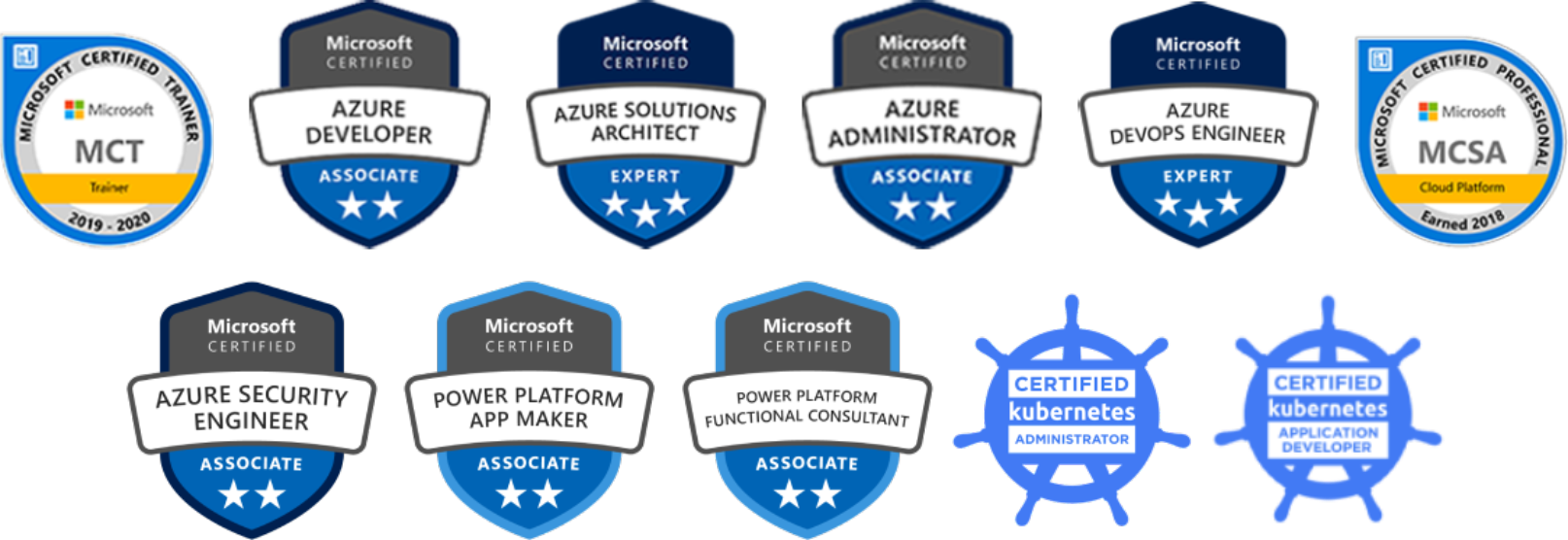
Mr. Sandeep Soni, a Microsoft Certified Trainer and an Azure Architect, is one of the most famous Azure trainers in the market. He is a software and corporate trainer with 28+ years of training experience.
Mr. Soni regularly conducts live batches and webinars on Microsoft Azure. He has conducted over 200+ live online batches and has personally trained over 100,000 students.
Know more about Sandeep Soni - https://www.bestitcourses.com/trainers/sandeepsoni
Follow him on LinkedIn - https://www.linkedin.com/in/sandeepsoni123/
 Certifications
Certifications
Certifications
Anyone who is interested can start learning Power Platform. No programming experience is required.
Got a question or have an insight to share ?
Join this discussion here and connect with your fellow learners and Subject experts.
Meet Your Certified Trainer
Mr. Sandeep Soni, a Microsoft Certified Trainer and an Azure Architect, is one of the most famous Azure trainers in the market. He is a software and corporate trainer with 28+ years of training experience.
Mr. Soni regularly conducts live batches and webinars on Microsoft Azure. He has conducted over 200+ live online batches and has personally trained over 100,000 students.
Know more about Sandeep Soni - https://www.bestitcourses.com/trainers/sandeepsoni
Follow him on LinkedIn - https://www.linkedin.com/in/sandeepsoni123/
Certifications
Certifications